How Many Buildings, How Many Rooms, Which Are Free
How many buildings does a camp have, how many floors in each building, and how many rooms on each floor — and which room is free, which is occupied, and which is being cleaned? CampWise Building & Room Management answers that question in seconds. It is the part of the Location → Camp → Building → Floor → Room → Resident chain where a camp’s real capacity is built, and where the occupancy, check-in and audit numbers stay accurate.
From Building to Room — One Chain, No Gaps
Every building is tied into the CampWise structured chain: a Camp inside a Location, Buildings/Blocks inside a Camp, Floors inside Buildings, and Rooms inside Floors. Every resident is tied to that same chain, so no room or resident is left unlinked — and occupancy counts stay accurate at every level.
Bulk Floor Generator — A Whole Block in Seconds
When a new camp wing or accommodation block opens, the CampWise bulk floor generator creates all its floors and rooms at once — in seconds. There is no need to write rooms one by one by hand, and the new wing is ready before the shift arrives.
Room Presets — Single, Double, Executive and Family
Not every camp needs the same rooms. CampWise has Single, Double, Executive and Family room presets, and bespoke custom VIP suites can be added too. That keeps the right room type ready for staff and guests of different grades.
Live Room Status — Available, Occupied, Cleaning
Every room’s live status at a glance: Available, Occupied or Cleaning. The supervisor does not need to open a register or a spreadsheet to see which room is free and which is being prepared — the check-in and room-change decision happens right then.
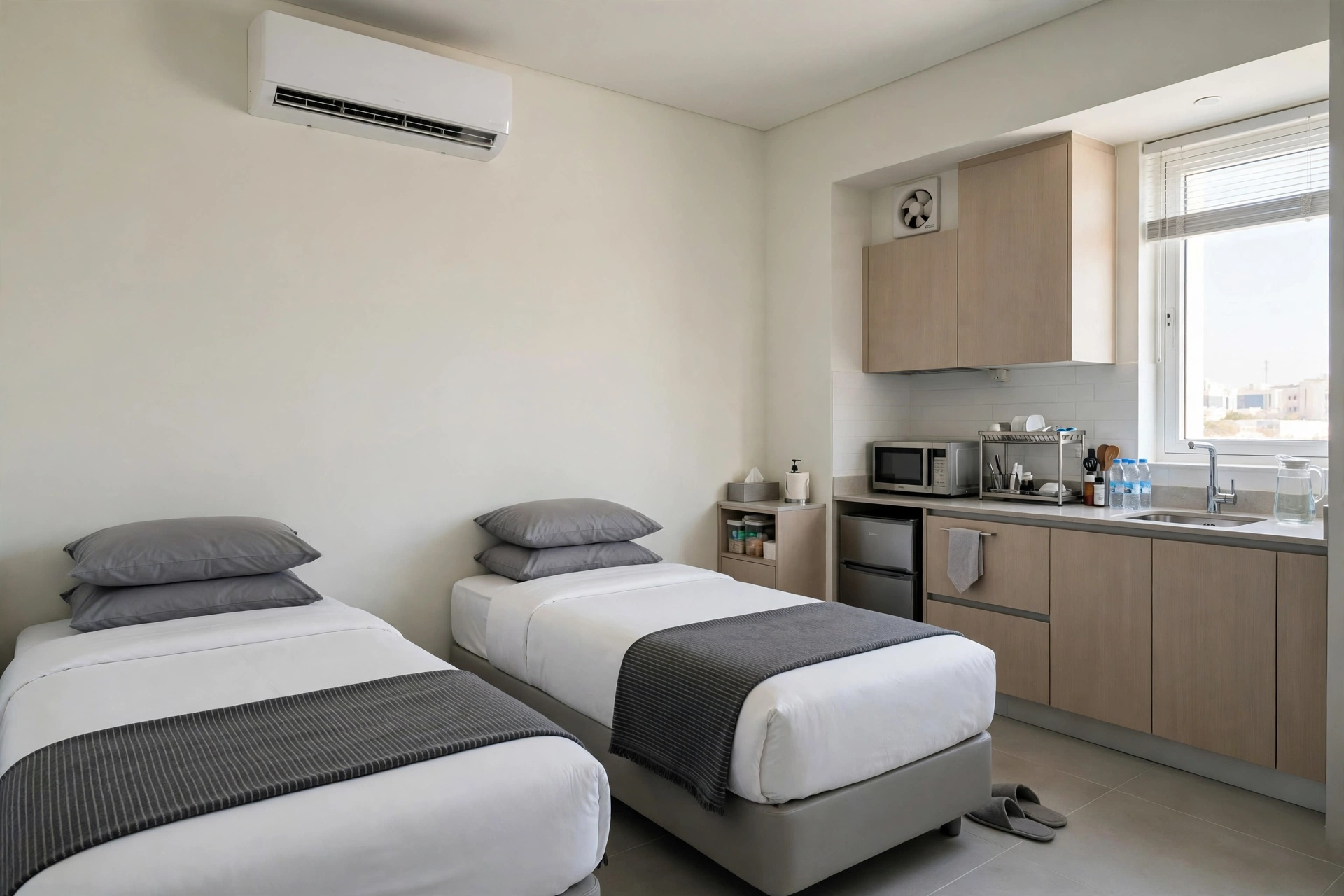
Room Amenities — WiFi, AC, TV, Kitchen
Every room’s amenities are recorded in the system too: WiFi, AC, TV, Kitchen and other facilities. That shows which room has what, and which resident needs a room with which amenity — without phone calls and without confusion.
Request a free 30-minute tour of CampWise here
Multi-Building Complexes and Custom Floor Counts
Large camps have more than one building, and every building has its own floor count. CampWise manages multi-building complexes with custom floor counts, so each building keeps its own picture while the whole camp’s numbers still come together in one place.
Facilities Kept Separate From Rooms — Occupancy Never Skews
If a mosque, clinic, gym or mess hall is counted alongside rooms, the occupancy percentage skews. CampWise categorises facilities separately from rooms, so headcount and available bed ratios stay 100% accurate — and the same numbers come up at a client audit.
Data Locks — An Occupied Building Is Never Deleted by Mistake
Built-in data locks prevent deleting occupied buildings or camps with active resident records, and zero orphan records database protection keeps every room and resident tied to the chain. That means your room data stays clean, complete and trustworthy for every audit.
The Bottom Line
Building and room management is the foundation of camp operations — if it is accurate, then occupancy, check-in, reports and audit are all accurate. CampWise sets that foundation up in seconds, keeps it live, and shows the true picture of every room on one screen.
Request a free 30-minute tour of CampWise here
A Final Check Before You Choose Any System
Ask any camp software the same question: set up a new wing with five floors and forty rooms, show me which rooms are free right now, and tell me which ones have AC — in seconds, from the same screen. If it needs a form, a phone call or a spreadsheet to answer, it is not room management, it is a delay.


