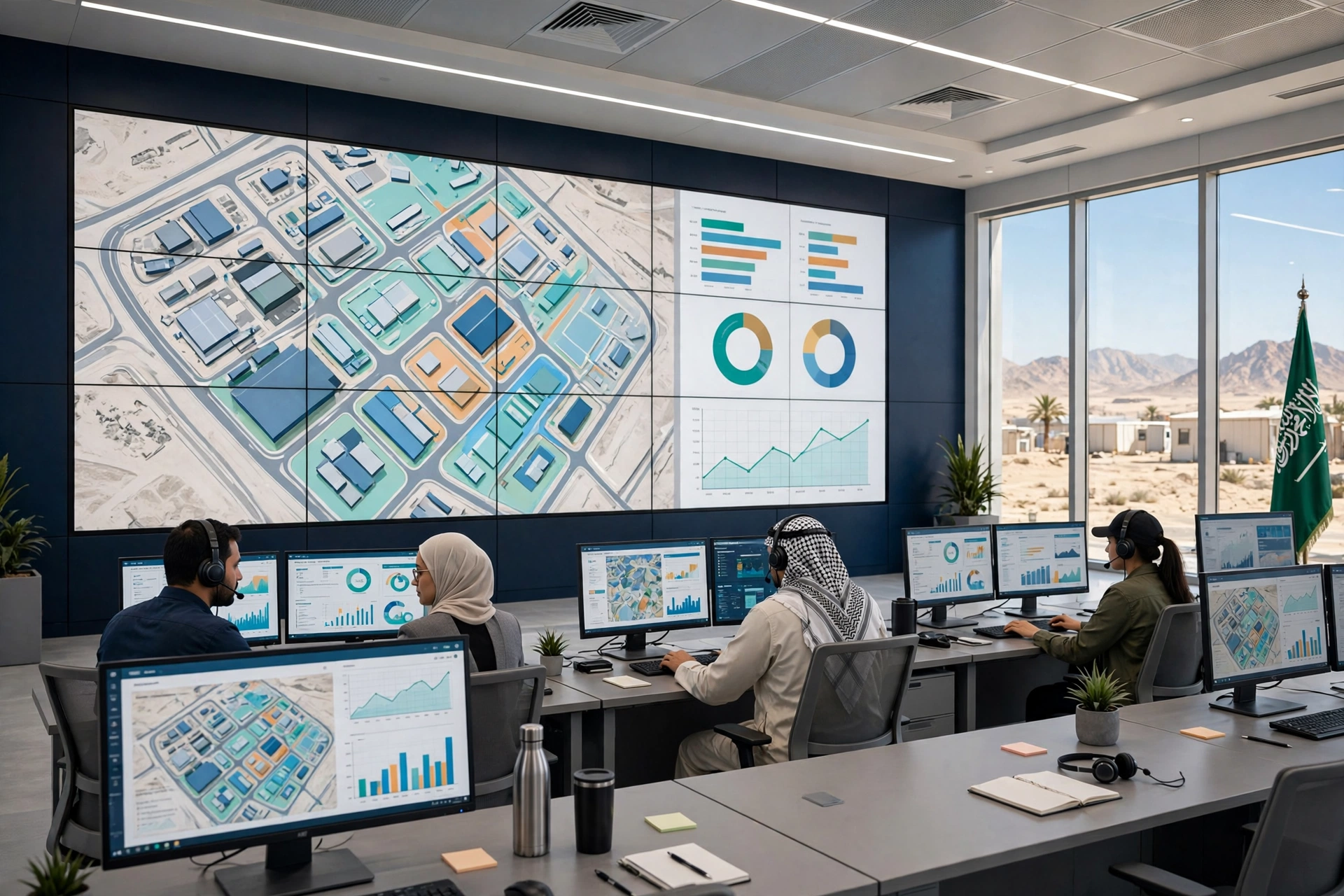
One System for the Whole Camp
Twelve blogs have now been written about the 12 CampWise modules — each module’s detail, its job, its reason. This guide brings them all together in one place, so a camp manager or HSE officer can see on a single page how CampWise runs a whole camp, from Location to Room, from Check-In to Audit. Under each section, the full blog for that module is linked.
First the Chain — Location, Camp, Building and Room
A camp’s foundation is a chain: Location → Camp → Building → Floor → Room → Resident. Location & Camp Management shows the whole multi-site operation on one screen, and Building & Room Management sets up every building, floor and room in seconds — with a bulk floor generator, Single/Double/Executive/Family presets and live room status.
- One Screen for Every Camp: How CampWise Location & Camp Management Works for Saudi Camps
- Every Building, Every Room, Under Control: How CampWise Building & Room Management Works for Saudi Camps
The Right Place for Every Worker — Room Assignment
Once the rooms exist, the question is who sleeps in which room. Room Assignment Management assigns by the chain, with approvals, keeping contractors’ blocks separate, and keeping an audit record of every assignment.
People — Employee & Visitor Management, Check-In / Check-Out
One record for every worker and every visitor: ID/Iqama/passport documentation, Permanent/Temporary/Visitor classification, instant search and audit-ready rosters. Check-In / Check-Out connects that record to daily movement — fast check-in, clean check-out.
- Every Worker, Every Visitor, One Record: How CampWise Employee & Visitor Management Works for Saudi Camps
- Check In Fast, Check Out Clean: How CampWise Check-In / Check-Out Works for Saudi Camps
The Daily View — Occupancy Dashboard
How many beds are free, how many occupied, how much space in which building — the Occupancy Dashboard shows it all live, every bed, every building, every camp.
Request a free 30-minute tour of CampWise here
Facilities and Repairs — Facilities and Inventory & Maintenance
Mosque, clinic, gym and mess hall — Facilities Management manages every facility in one place. Inventory & Maintenance fixes repairs before they become complaints: fix it before it becomes a complaint.
- Every Facility, Managed in One Place: How CampWise Facilities Management Works for Saudi Camps
- Fix It Before It Becomes a Complaint: How CampWise Inventory & Maintenance Works for Saudi Camps
Control — Role-Based Access Control
Every role gets only the access its work needs. Role-Based Access Control keeps camp data secure, and stops occupied records from being deleted by mistake.
A Record of Every Change — Activity & Audit Tracking
Every change logged: who changed what, and when. Activity & Audit Tracking keeps the camp audit-ready every day — for clients, HSE and government inspections.
- Every Change, Logged: How CampWise Activity & Audit Tracking Makes Saudi Camps Audit-Ready Every Day
Decisions — Reports & CSV Export and AI Operations Assistant
From data to decision in minutes: Reports & CSV Export turns camp data into reports and CSV files. The AI Operations Assistant answers a question in seconds — do not search, ask and get the answer.
- From Camp Data to Decision in Minutes: How CampWise Reports & CSV Export Works for Saudi Camps
- Ask, Don’t Search: How the CampWise AI Operations Assistant Answers Camp Questions in Seconds
The Bottom Line
Twelve modules, one system: the chain, the people, occupancy, facilities, control, audit and decisions — all in CampWise, in one place. If you want to see this system for your own camp, request a free 30-minute tour.
Request a free 30-minute tour of CampWise here
A Final Check Before You Choose Any System
Ask any camp software the same question: show me all twelve parts of running a camp — location, rooms, assignment, people, check-in, occupancy, facilities, maintenance, access, audit, reports and AI answers — in one system, on one screen. If it needs a different tool for each part, it is not a system, it is a collection of delays.


