The Question Every Camp Manager Asks First
How many beds are actually free right now? In a camp run on spreadsheets, that simple question takes phone calls, a walk around the buildings, and a report that is already out of date by the time it arrives.
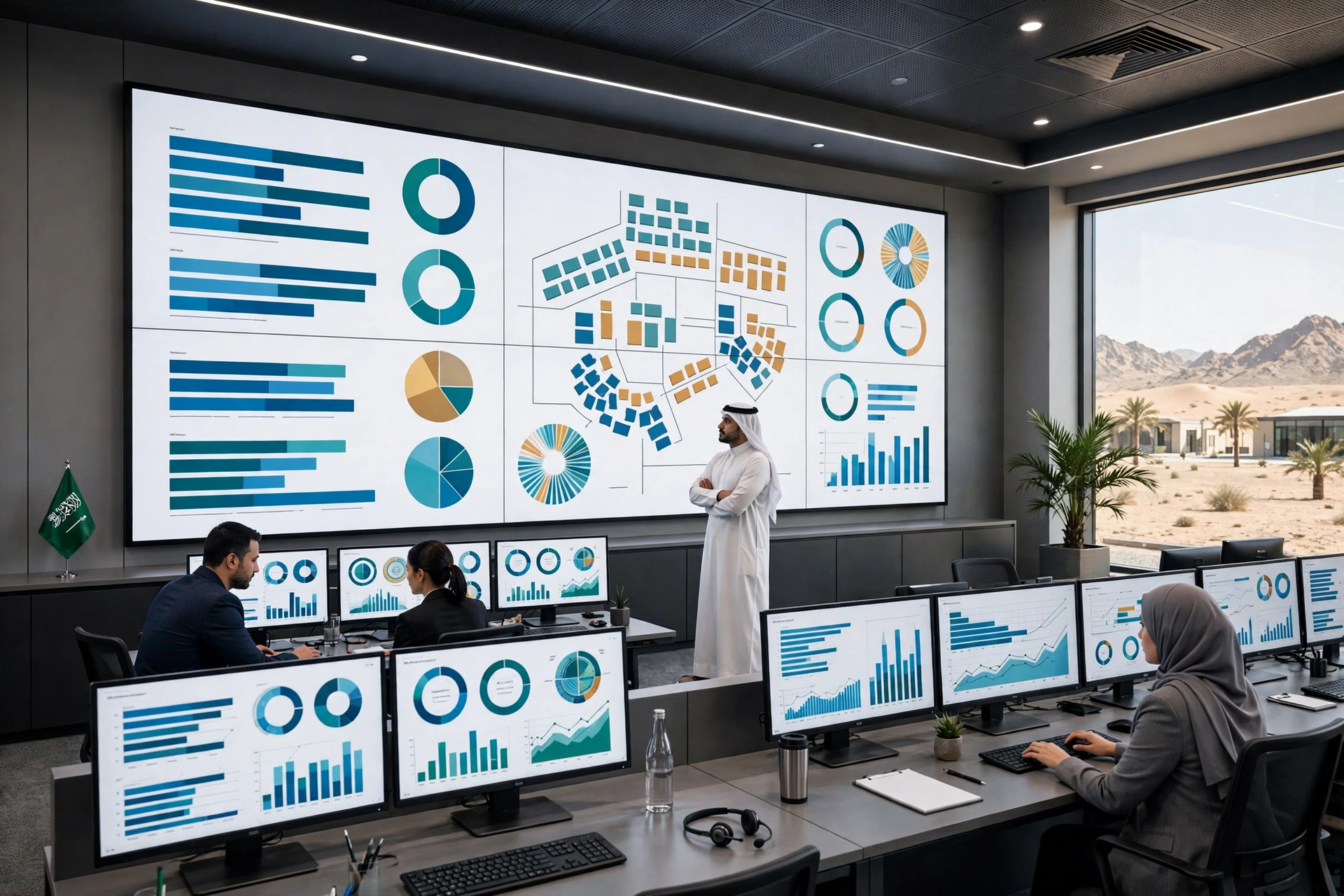
The CampWise Occupancy Dashboard, one of the 12 core modules of the CampWise camp and accommodation ERP, is built to answer that question instantly, for one floor, one building, one camp, or all camps combined.
Live Occupancy, Not Yesterday’s Report
CampWise is 100% online, with real-time room, bed and occupancy tracking anywhere. When a worker checks in, moves rooms or checks out, the dashboard reflects it, because the system is built on an unbreakable relational chain: a Location contains Camps, a Camp contains Buildings, and Buildings contain Floors with Rooms.
That structure is what enables instant occupancy calculations at any level, whether for a single floor or for all camps combined. There is no separate report to rebuild, and no version of the numbers that is a week old.
From a Single Floor to an Entire Industrial City
A floor supervisor needs a different view from an operations executive, and the dashboard gives both. Occupancy metrics roll up automatically, from a single floor to a building, to a camp, and to an entire industrial city.
That matters in Saudi Arabia’s largest operations, from NEOM, Red Sea Global and Qiddiya to Jubail, Yanbu and Riyadh, where a decision about one camp can depend on capacity across several sites. One unified screen replaces a set of site-by-site spreadsheets that never quite agree.
Room Status You Can Trust
The dashboard tracks live room status: Available, Occupied and Cleaning. A room that is being cleaned is not shown as free, and a room that is occupied is not double-booked to the next intake.
That precision protects worker welfare as well as operations. A new shift intake should never arrive to find that the beds promised on paper were never actually available.
Capacity Checks Before New Shift Intakes
Before a new shift intake, a camp needs an instant capacity check, not a guess. The dashboard shows what space is really available, so managers can say yes or no to an intake with confidence, and plan transport, catering and room preparation around the true number.
Upcoming check-out alerts on the central dashboard help with the same planning, showing which rooms will free up soon, so a camp can prepare rather than react.
Facilities Kept Separate, So the Percentage Stays Honest
Nobody sleeps in a prayer hall, clinic or gym. In standard software or spreadsheets, listing facilities alongside rooms skews occupancy percentages. CampWise categorises facilities distinctly, so headcount and available bed ratios remain 100% accurate.
That honesty matters when the numbers go to a client, an HSE auditor or a government labour inspector. An occupancy percentage is only useful if everyone looking at it knows exactly what it counts.
Request a free 30-minute tour of CampWise here
Protected Against Accidental Loss
A dashboard is only as good as the data behind it. CampWise data locks prevent deleting occupied buildings or camps with active resident records, and the platform prohibits deleting any building, floor or camp with active resident assignments or pending maintenance requests.
In other words, an open room, an occupied bed and a pending repair cannot quietly disappear from the system, and the dashboard cannot be made to look better by deleting the inconvenient parts.
The Bottom Line
Camps do not need another report. They need one true picture of occupancy, live, at every level, from a floor to a city. The CampWise Occupancy Dashboard gives managers that picture, with room status they can trust, capacity checks before intakes, and numbers that stay honest because facilities are counted separately from rooms.
Request a free 30-minute tour of CampWise here
A Final Check Before You Choose Any System
Ask any camp software the same question: show me live occupancy for one floor, one building and all camps combined, right now, from the same screen. If it needs a report, a spreadsheet or a phone call to answer, it is not a dashboard, it is a delay.


