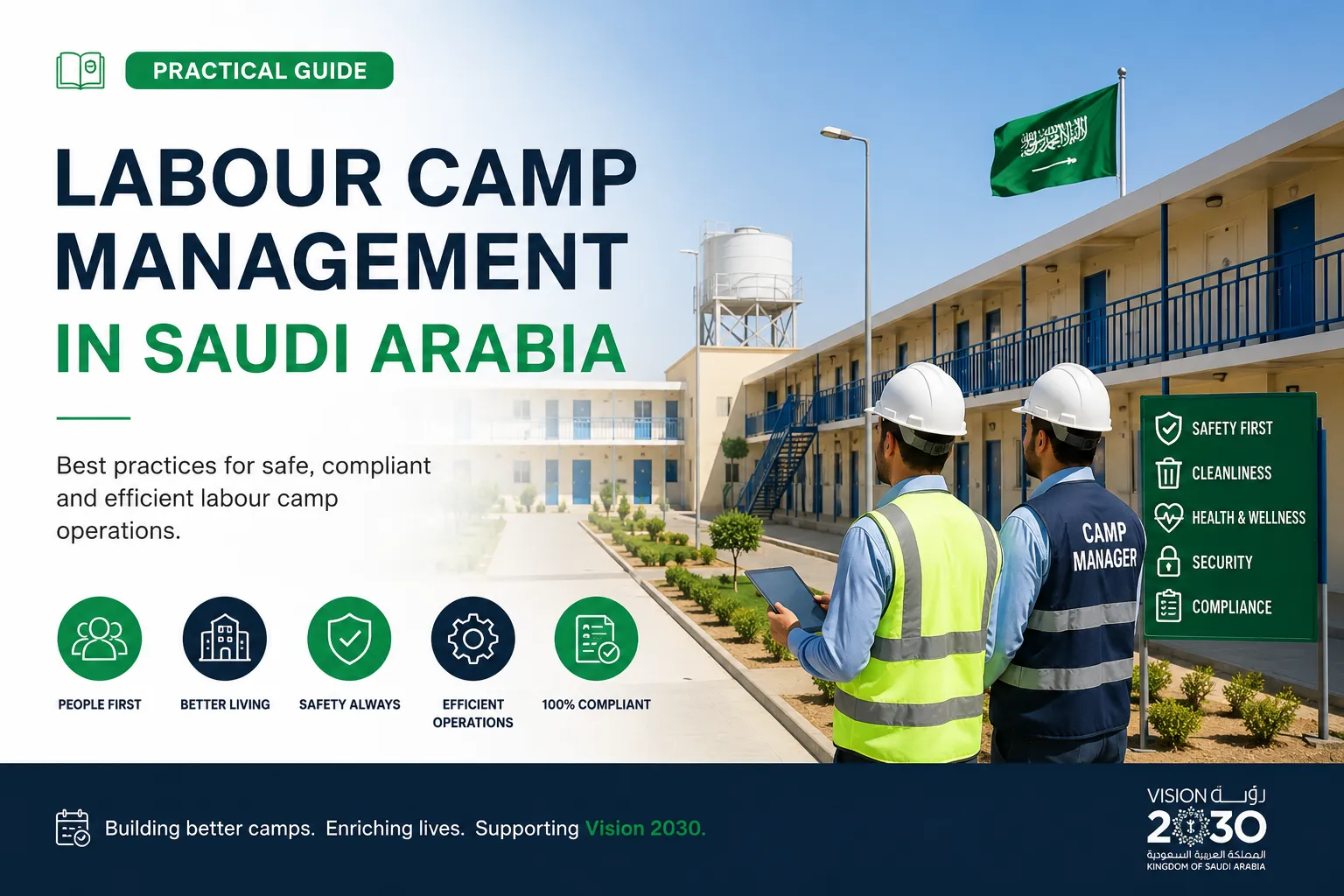
Running a labour camp is much more than giving workers a place to sleep. You are handling rooms, records, repairs, shared facilities and daily headcount, often across several sites at once. When one part slips, the others usually follow.
Labour camp management in Saudi Arabia is getting more demanding as projects grow in size. Camps near large developments and industrial cities can hold thousands of residents, with contractors and subcontractors sharing the same buildings. This guide covers practical steps to keep your accommodation organised, your records accurate and your workers comfortable.
Why Labour Camp Management Gets Difficult So Quickly
A camp with 100 residents can run on a notebook and a phone. A camp with 2,000 residents cannot. Every new arrival, room change and checkout adds another detail someone has to track.
Here is a common example. A supervisor tells a new contractor that ten beds are free in Block B. Two hours later, the camp office finds out that four of those beds were already assigned. The workers arrive, the rooms are not ready, and everyone loses time.
Problems like this usually come from scattered information, not from careless people. When occupancy lives in several spreadsheets, messages and paper files, the numbers drift apart.
Start With a Clear Camp Structure
Good camp management begins with a simple, consistent structure. If your team cannot say exactly where a room sits, nothing else will stay tidy.
Organise by location, camp, building and floor
Think of your accommodation as a chain. A location holds one or more camps. Each camp holds buildings or blocks. Each building holds floors, and each floor holds rooms.
This order lets you check occupancy at any level. You can see how full a single floor is, or how many beds are free across an entire region. Camp operators working across areas such as Riyadh, the Eastern Province or large project sites benefit most from this approach.
Keep shared facilities separate from rooms
Mosques, mess halls, clinics, laundry areas, gyms and parking lots are part of your camp, but nobody sleeps in them. If you list them with bedrooms, your occupancy percentage becomes misleading.
Track facilities in their own category. Your bed counts stay accurate, and you still have a clear record of every shared space that needs cleaning or repair.
Keep Room Allocation and Occupancy Accurate
Room allocation is the heart of camp operations. It affects worker comfort, cost control and how quickly you can respond to new intakes.
Plan move ins and check outs
Record a move in date and, where known, a planned check out date for every resident. This gives you a forward view of which rooms will free up and when.
A few habits help:
- Update the record on the same day a worker moves in or out.
- Mark rooms as available, occupied or being cleaned, so housekeeping and allocation teams see the same status.
- Review upcoming check outs weekly so you can plan new arrivals.
Know who lives where
Supervisors often need quick answers. Which room is a worker in? Which building has the most empty beds? Who belongs to which contractor?
Search by name, worker ID or phone number should take seconds, not a walk through three files. The faster your team finds an answer, the fewer interruptions reach the camp manager.
Handle Maintenance Before It Becomes a Complaint
In Saudi Arabia, a broken air conditioner in a hot month is not a small issue. Plumbing and electrical faults affect health, safety and morale.
Set up a clear repair process:
- Log every issue against the camp, building and room.
- Mark urgent problems separately from routine ones.
- Tag the type of fault, such as HVAC, electrical or plumbing, so the right technician is called.
- Update the status when the work is finished.
Ideally, repairs are reported and fixed before workers return from their shifts. A simple log also shows patterns. If one building keeps reporting the same fault, you can fix the cause instead of repeating the repair.
Keep Worker Records Organised and Audit Ready
Camps hold sensitive information. This usually includes National ID or Iqama details, passport records, department, contractor and residency type.
Keep these records in one secure place with controlled access. Not every user needs to see every detail. A housekeeping supervisor does not need the same view as a camp manager.
Records matter during client reviews and inspections. When an auditor asks for occupancy history, you should be able to answer from a clear record, not a search through old files. Keeping a chronological history of each worker’s accommodation also helps settle disputes about dates and allocations.
Why Spreadsheets Stop Working
Spreadsheets are a good starting point. Many camps run on them for years. The trouble begins when the camp grows.
- Several people edit different copies of the same file.
- Formulas break when someone adds a row in the wrong place.
- There is no protection against deleting a building that still has residents.
- Answers to simple questions take too long.
If you are spending more time fixing the sheet than managing the camp, it is time to look at dedicated camp management software.
How CampWise Supports Day to Day Camp Management
CampWise is a camp and accommodation management system offered by MBKS Global. It is built for operators who want to replace spreadsheets with a single, organised system. You can see the full feature list on the MBKS Global products page.
Here is what it covers:
- Camp hierarchy: Group sites by region, then by camp, building, floor and room.
- Room generation: Create floors and rooms in bulk using presets such as single, double, executive and family rooms.
- Room status and amenities: Track whether a room is available, occupied or being cleaned, along with items such as WiFi, AC, TV and kitchen.
- Assignments and history: Record move in and check out dates and keep a full history for each resident.
- Workforce roster: Store National ID, Iqama and passport details, with tags for contractor and department.
- Facilities: Manage mosques, mess halls, clinics, laundry areas and parking separately from rooms.
- Maintenance requests: Flag repairs by camp, building and room, with urgent and normal priorities.
- Executive dashboard: View occupancy figures that roll up from a single floor to an entire site.
- Data protection rules: The system blocks deletion of occupied buildings or camps with active residents.
One feature that stands out is the built in AI assistant. Instead of clicking through menus, a supervisor can type a plain question such as “How many rooms are free in the North Camp?” or “Which room is a certain worker assigned to?” The assistant reads live data from the central database, so the answer reflects the latest check ins and moves.
Choosing a System That Fits Your Operation
No two camps run in exactly the same way. A contractor with a single industrial camp has different needs from a company managing several sites across the Kingdom.
CampWise can be customised. MBKS Global can review requirements such as extra data fields, tailored reports, approval workflows for room allocation, new modules or links with existing HR and ERP systems. The team confirms feasibility, scope, timeline and cost with you before development begins.
If you need custom software built around your own processes, you can also read about MBKS Global software development services.
A Simple Checklist to Improve Your Camp Today
Even before you change any system, these steps will help:
- Write down your camp structure from location down to room.
- Separate shared facilities from sleeping areas in your records.
- Assign one person to update occupancy daily.
- Record planned check out dates for every resident.
- Log all maintenance requests in one place with a priority level.
- Review your worker records for missing documents each month.
- Decide which questions your managers ask most often, and make sure the answers take seconds to find.
Frequently Asked Questions
What is labour camp management?
Labour camp management is the process of organising worker accommodation, including room allocation, occupancy tracking, resident records, maintenance, shared facilities and reporting. The goal is to keep the camp safe, orderly and easy to supervise.
How can I track occupancy across several camps?
Use a structure that links locations, camps, buildings, floors and rooms in one system. When every room is recorded this way, occupancy can be calculated at any level without combining separate files by hand.
Why should shared facilities be tracked separately from rooms?
Facilities such as a mosque, mess hall or clinic are not sleeping spaces. Listing them with rooms changes your occupancy percentage and available bed count. Separate tracking keeps your numbers accurate.
Can I move my existing Excel worker lists into camp management software?
Yes, with CampWise. MBKS Global provides migration support that maps your current buildings, room inventories and worker ID lists into the system.
What worker information should a camp record?
Common details include National ID or Iqama, passport information, residency type such as permanent, temporary or visitor, department and contractor. Access to this data should be limited by user role.
How does an AI assistant help in camp management?
It lets managers ask plain questions, such as how many rooms are free or which room a worker is assigned to, and get an answer without opening several screens. In CampWise, it reads live occupancy data from the central database.
Can CampWise be customised for my company?
Yes. MBKS Global offers customised versions with changes such as extra fields, reports, approval workflows, user permissions, new modules and system integrations. Scope, timeline and cost are agreed before development starts.
How do I get a demo of CampWise?
You can request a free 30 minute demo through the MBKS Global products page, or contact the team on WhatsApp at +966 505 277 097 or by email at info@mbksglobal.com.
Better Camps Start With Better Information
Every well run camp has one thing in common: the people in charge always know what is happening, from the number of free beds to the status of a repair request. That clarity does not come from working harder. It comes from keeping accurate records in one place and giving your team simple ways to use them.
If your current setup is slowing you down, a short demo can show you what a more organised camp looks like. Visit the MBKS Global products page to request a personalised CampWise demo, or contact the MBKS Global team to talk through your camp size, layout and customisation needs.


